Использовать Blender
Blender is a free and open source 3D creation suite. It supports the entirety of the 3D pipeline—modeling, rigging, animation, simulation, rendering, compositing and motion tracking, and video editing. Advanced users employ Blender’s API for Python scripting to customize the application and write specialized tools; often these are included in Blender’s future releases. Blender is well suited to individuals and small studios who benefit from its unified pipeline and responsive development process. Examples from many Blender-based projects are available in the showcase.
Blender is cross-platform and runs equally well on Linux, Windows and Macintosh computers. Its interface uses OpenGL to provide a consistent experience. To confirm specific compatibility, the list of supported platforms indicates those regularly tested by the development team.
As a community-driven project under the GNU General Public License (GPL), the public is empowered to make small and large changes to the code base, which leads to new features, responsive bug fixes, and better usability. Blender has no price tag, but you can invest, participate, and help to advance a powerful collaborative tool: Blender is your own 3D software.
Системные требования
-
Минимальные:
- ОС: Windows 10
- Процессор: Quad core CPU
- Оперативная память: 8 GB ОЗУ
- Видеокарта: 2GB RAM, OpenGL 4.3
- Место на диске: 500 MB
- ОС: Windows 10
- Процессор: Eight core CPU
- Оперативная память: 32 GB ОЗУ
- Видеокарта: 8GB RAM
- ОС: macOS 10.15
- Процессор: Quad core CPU
- Оперативная память: 8 GB ОЗУ
- Видеокарта: 2GB RAM, OpenGL 3.3
- Место на диске: 500 MB
- ОС: macOS 11.00
- Процессор: Apple Silicon
- Оперативная память: 32 GB ОЗУ
- Видеокарта: 8GB RAM
- ОС: Ubuntu 18.10
- Процессор: Quad core CPU
- Оперативная память: 8 GB ОЗУ
- Видеокарта: 2GB RAM, OpenGL 4.3
- Место на диске: 500 MB
- ОС: Ubuntu 22.04
- Процессор: Eight core CPU
- Оперативная память: 32 GB ОЗУ
- Видеокарта: 8GB RAM
- Manage the facilities on blender.org for users and developers who want to contribute to Blender.
- Maintain and improve the current Blender product via a public accessible source code system under the GNU General Public License.
- Establish funding or revenue mechanisms that serve the foundation’s goals and cover the foundation’s expenses.
- Provide individual artists and small teams with a complete, free and open source 3D creation pipeline
- The Khronos Group, Associate Member. Furthering open standards.
- The Open Invention Network. Non-aggression alliance for patents.
- The Linux Foundation. Supporting open source ecosystems.
- The Academy Software Foundation. Open source for the creative industry , the international animated film society – best known from the Annie Awards.
- Barnstorm VFX work on “The Man in the High Castle”
- Studio Loica’s work on the Legends Trailer by the Blender Foundation
- Полнофункциональное моделирование и 3D скульптуринг с созданием объектов из виртуального материала типа глины. Лепите модели из кубиков и других примитивов, работайте специальными кистями.
- Нодовая структура и процедурная генерация. Задавайте свойства материалов с помощью нодов: отражающие, матовые, зеркальные, преломляющие и др. Сложные настраиваемые модели с простым возвратом к итерациям легко создать буквально в пару кликов.
- Модификаторы генерации, деформации и пр. Изменяйте и сглаживайте объекты, воссоздавайте гравитацию и другие физические процессы.
- Анимация на базе кеймфреймов. Добавьте ключевые кадры, все остальное Blender сделает самостоятельно
- Ручное рисование с помощью Grease Pencil. Объект 2D легко преобразуется в 3D с приданием объема. Инструмент, не имеющий аналогов.
- Текстуринг. Работайте с готовыми текстурами, используйте визуальное программирование реалистичных или фантастичных текстур.
- Редактирование видео. Комбинируйте видеофайлы и каналы, добавляйте визуальные эффекты. Редактор – удобный встроенный инструмент.
- Создание библиотек объектов. Заполнение сцен готовыми объектами занимает буквально минуты.
- Гибкая кастомизация рабочего пространства. Настраивайте интерфейс программы под себя.
- Рендеринг на базе движков Cycles и Eevee. Первый дает возможность создавать крутые реалистичные рендеры, но для работы требует времени. Второй – обеспечивает визуализацию в реальном времени, а также предпросмотр сцен.
- Композитинг на основе нодов. Добавляйте эффекты и цветокоррекцию слоями, собирайте финальные кадры с графикой и виде
-
Рекомендованные:
-
Минимальные:
-
Рекомендованные:
-
Минимальные:
-
Рекомендованные:
Blender is free/open source software, available under the GNU GPL 3.0 license.
Blender Foundation
The Blender Foundation (2002) is an independent public benefit organization with the purpose to provide a complete, free and open source 3D creation pipeline, managed by public projects on blender.org.
Its spin-off corporation Blender Institute (2007) hosts the foundation’s offices and currently employs 24 people who work on the Blender software and creative projects to validate and stress Blender in production environments.
The Foundation’s income is via donations and the Development Fund. The Institute revenues come from Blender Studio, the Blender Store and sponsoring. This enables Ton Roosendaal and a small staff to work full-time on Blender, organize activities for SIGGRAPH or the Blender Conference, support development, documentation and training projects, maintain and host blender.org services, and pay for bookkeeping and administration expenses.
Blender remains a true community effort. Work on Blender itself, new projects or roadmaps are all managed via open channels on blender.org. You can learn more about them and get involved.
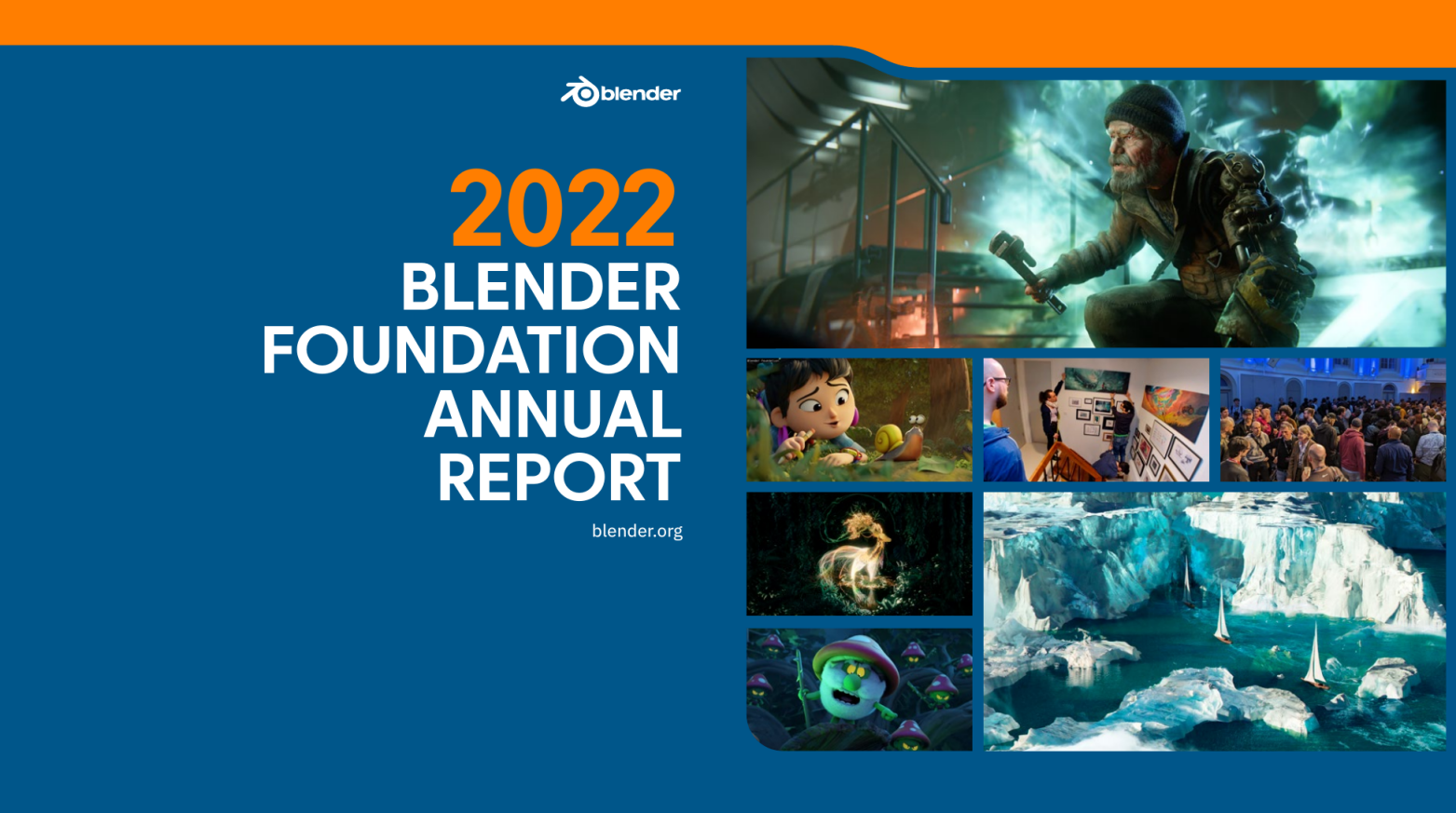
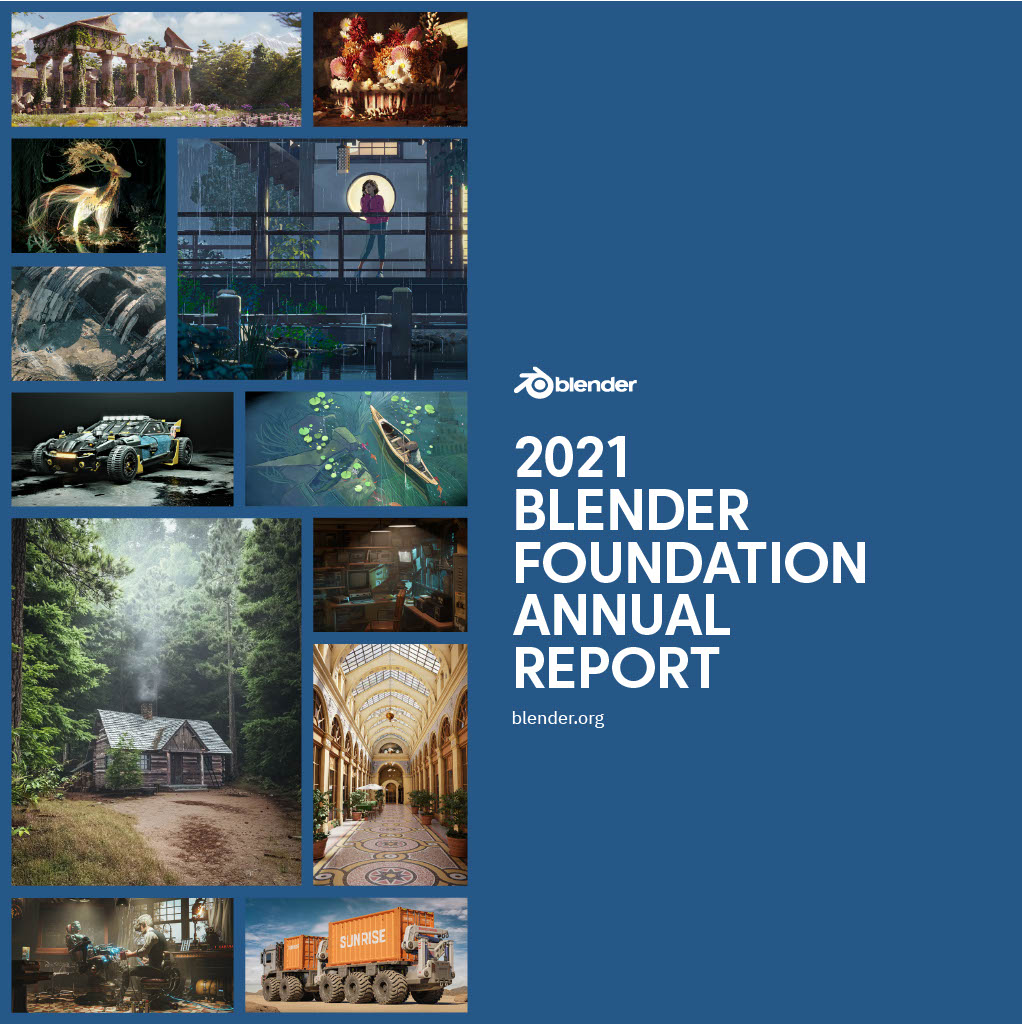
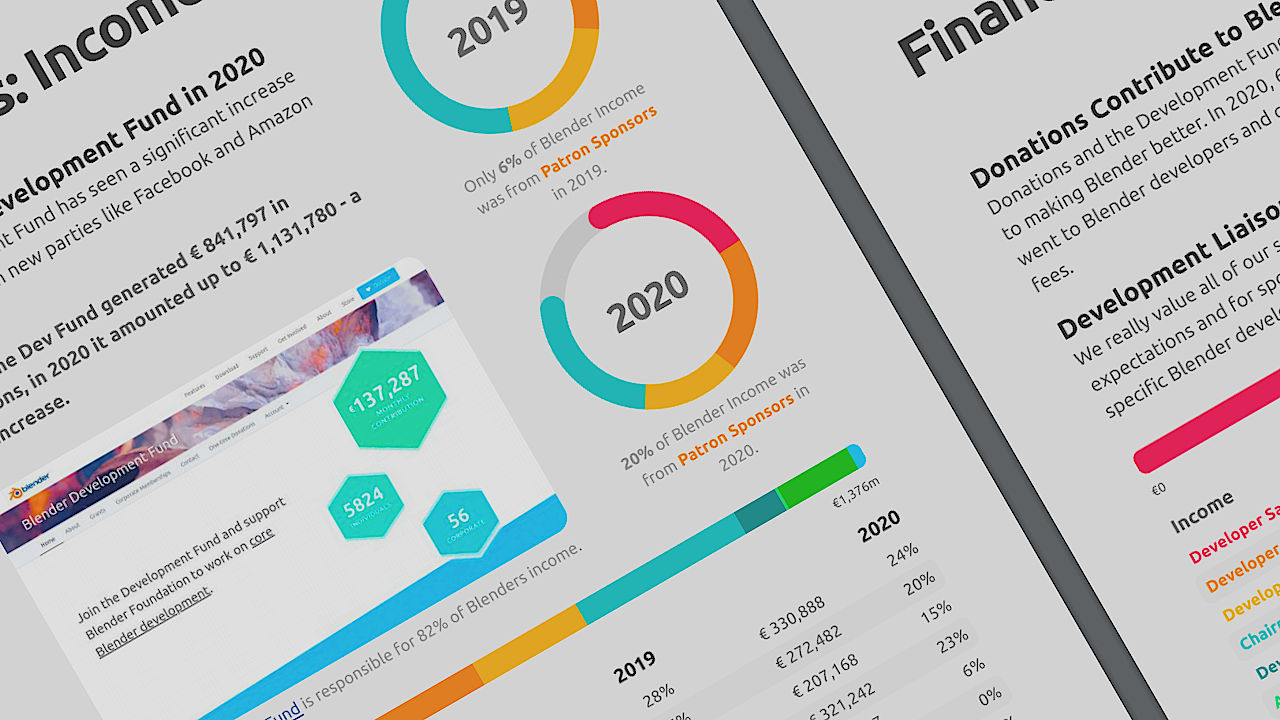
Reports
Goals
Blender Foundation facilitates a public project on blender.org with the mission to get the world’s best 3D CG technology in the hands of artists as free/open source software.
Our vision is that everyone should be free to create 3D CG content, with free technical and creative production means and free access to markets.
The Foundation’s goals are:
Part of the industry
Blender Foundation is a recognized partner for many big corporations in the technical/creative industry. This not only via the membership of the Development Fund, but especially as official member of:
Blender Development Fund
The Development Fund is the Blender Foundation’s main source of donation income. Individual users and corporations can sign up here for a recurring donation – starting at 5 euro per month.
The Development Fund enables developers to work full-time on Blender, to support users and other developers and work on core development.
Corporate members of the Fund can indicate a preference which projects they like to see supported, provided these are generally agreed projects that benefit everyone and that fit in Blender’s mission and road map,
Blender Institute
Blender Institute formally acts as the working company of Blender Foundation.
To keep the Foundation lean and a safe place for Blender, almost all activities of the Foundation are being conducted by the Blender Institute. That includes office rent, daily administration, general management, HR services, online store, Blender Conference organization, participating in events, operational support for blender.org, managing Development Fund grants, software research projects, workshops, meetings, and so on.
Contact
Blender Foundation
Stichting Blender Foundation
Buikslotermeerplein 161
1025 ET Amsterdam
the Netherlands
ONLY for organizational, branding, legal or press topics:
Email: foundation (at) blender (dot) org
Chamber of Commerce registry in Amsterdam: 34176425
Tax number NL811166223
What is Blender?

“Blender is the free and open source 3D creation suite. It supports the entirety of the 3D pipeline — modeling, rigging, animation, simulation, rendering, compositing and motion tracking, even video editing and game creation.”
— blender.org
Blender is one of the brightest shining examples of FOSS (free & open source software) due to its genuinely professional toolset and capabilities. This makes Blender an exception to the rule of “getting what you pay for”. A large pool of pros use Blender in various corners of the industry from television/film VFX, feature animation, scientific visualization, architectural visualization, motion graphics, AR, VR, and much more.
The history of Blender is a testament to what a global community can accomplish together. Ton Roosendaal is Blender’s Steve Jobs. He was the primary developer from 1995 to 2002 when it was created as a proprietary tool for a Dutch animation studio. In 2002, Ton launched the “Free Blender” campaign seeking to crowdsource €100,000 to purchase the rights to the software and release its source code. From that point, Blender has been developed by its global community of users and a handful of Blender Institute employees (whom are paid by donations and grants).
The Blender community (it’s users, developers, and donors) is hugely varied due to the wide range of Blender’s applications as well as its ease of access. One thing we all have in common our willingness to share; be it our software, art, knowledge, techniques, business insights, or ideas.
What can you create with Blender?
Blender can create a massive spectrum of visuals. Honestly, if it’s a visual anything, Blender can either create it or be used to create part of the thing. And what’s better, Blender can create visual things at a professional level.
“Open-source software, like Blender, can do almost everything Pixar’s software can do…Somewhere out there, a brilliant kid and their friends are working in their garage [using and improving on tools like Blender]….They will be the next Pixar.” — Pixar’s Tony DeRose
Obviously, Blender can be utilized to create feature-quality animation. But it’s also capable of much more…
Game Art
One of the most popular uses of Blender is game asset creation, meaning all the models and textures that make a game pretty. Here are some examples:
-
(Blender + Unity) (Blender + Substance Painter + Unity) (Blender + Unreal Engine 4)
Film/Commercial VFX
Visual Effects (VFX) is all the fake stuff happening in movies including explosions, giant monsters, scene replacement, making Brad Pitt look super old and super young…the crazy stuff. And Blender can do it. A few examples:
Feature Animation
As referenced above, movies by studios like Pixar, Disney, Dreamworks, Illumination, etc; animated movies where everything is created from scratch in the computer, usually with a defined ‘cartoony’ style. Here are some impressive animations created entirely with Blender:
MUCH MORE
Game assets, VFX and animation are the most popular uses of Blender, but there is much, much more. Blender is also used for incredible visuals:
How do I download Blender?
As open source software, Blender is constantly being improved, modified, and forked for various purposes by various people. This is an awesome part of the Blender culture, but it can be confusing to understand which version you should be using, especially when starting out.
Official Download
The official version of Blender, often referred to as “master branch” (like a tree), is available to download from the official site, blender.org. It’s compatible with the 3 major operating systems (Mac, Windows, and Linux) as well as Steam. The site is smart enough to detect your operating system and should automatically download the appropriate version.
This is THE version of Blender used by the vast majority most users.
Release Candidates
“Release Candidates” are work-in-progress versions that are close to being released officially. These are feature-locked and primarily used for pre-release bug testing. When an RC is available, you’ll see it’s downloadable under the official download link.
Experimental Builds
“Experimental Builds” are work-in-progress versions of the next Blender release. They’re under active development and can be downloaded for testing/experimenting with new features. However, they are not recommended for production projects. Meaning “use at your own risk”; don’t work on anything you’d hate to lose. They are available to download at the bottom of the official download page.
Branches
“Branches” are experimental forks of Blender. Master branches and branches of a tree…get it? These versions are built by anyone savvy enough for unofficial experimentation and development. Sometimes we’ll see a cool feature be developed unofficially in a branch and eventually add it to master if it’s quality is proven. A lot of fun things happen in branches.
Get involved in the Blender Community
One of the key assets of Blender is its community. There’s many nooks and crannies of the global community. Here’s some tips for where to get plugged in:
-
is the best place for daily news about all things Blender. is the most popular twitter hashtag for Blender stuff on twitter. is a great place for community-sourced Blender help and troubleshooting. is the most popular online Blender forum. is the Blender subreddit. is an excellent source for free Blender assets like models, shaders, etc.
Frequently Asked Blender Questions
Is Blender as good as commercial software like Maya and 3D Studio Max?
In short, yes. Blender has proven itself a very competent 3D package for professional quality computer graphics. That doesn’t mean it’s free from weaknesses, but neither is commercial software.
What’s up with Blender’s right-click selection?
This is one of the most confusing things about getting started with Blender. It’s a ‘leftover’ from the olden days before left and right clicks for selection were across OS and all software. Until today, by default, selection in Blender is done by right click while left click is the “action button”. This is opposite of virtually every computer application I’ve ever used. While there’s debate over which is the “best option”, you can easily change this default behavior to left click: File > User Preferences > Input tab > Select With: Left. Arguably, there’s slightly more functionality that can be accomplished with right click select, but don’t feel bad about switching to left click select. Plenty of high-level users do it too.
Will a studio hire me if I use Blender?
If a studio decides to hire based on software proficiency, they either have a large number of talented candidates and can afford be picky or they’re misplacing their priorities. Any studio worth their salt knows it’s not the tool that creates great work; it’s the artist. Therefore, a studio should hire you if you’re a good artist, regardless of the software you use. In our community at CG Cookie, we’ve had a plenty of users over the years who landed amazing jobs in the creative industry using Blender only.
Can I sell what I make with Blender?
Yes! Blender is GPL licensed which means you can use Blender for “any purpose” including selling what you make with Blender (BlenderMarket.com) and/or getting paid for what you create with Blender (studio job/freelance).
Why do people charge money for things made with Blender?
Because time is mankind’s underlying currency and it’s never free. Tutorial creators, addon developers, or artists selling their .blend files — their time has value. If a person decides to give what they make away for free, great for them and for us! But that’s generosity and it costs them their time at least. The ability for Blender users to make money with Blender is a key aspect of this community’s success.
How does the Blender Foundation make money?
Donations and grants. That’s right, Blender isn’t created for free out of thin air. Nor does the Blender Foundation pay its bills and employees with benefit-to-society credits. It takes real money donations and grants to make this awesome software what it is. Don’t forget that.
Что такое Blender, и почему он набирает популярность у 3D художников?
Blender – бесплатная программа для 3D моделирования с открытым исходным кодом и мощным функционалом. В ней можно делать работы на уровне студийного софта, по качеству не уступающие Netflix. Инструменты Blender позволяют создавать отличные мультфильмы, крутые спецэффекты, персонажную анимацию и многое другое.
Blender – универсальное ПО, ведь в нем есть все, что нужно 3D-художнику. Бесплатность повышает привлекательность, дистрибутив на русском языке упрощает использование.
Как и любая программа с открытым кодом, Blender довольно быстро развивается. Фан-сообщество активно генерирует идеи, создает туториалы и плагины. Команда профессиональных разработчиков внедряет пожелания пользователей и регулярно выпускает обновления.
Казалось бы, ПО с развитым функционалом должно предъявлять большие требования к ПК, но к Blender это не относится. Дистрибутив программы «весит» чуть более 200 Мб, он устанавливается на любой компьютер и спокойно помещается на флешку.
Blender больше не является нишевым инструментом и уже завоевал популярность среди крупных студий. Пример трейлера нового сериала от Нетфликс, сделанного в Blender.
По поводу Blender специалисты говорят так: если не получается добиться нужного результата, то нужно правильно использовать встроенные инструменты. или найти подходящий плагин. Программа гибко настраивается под пользователя и позволяет создавать реальные шедевры. Вот краткий перечень ее возможностей.
Blender представляет собой легкий в освоении инструмент с функционалом профессионального уровня, который охотно используют даже крупные студии. Так, база 3D-моделей NASA содержит множество объектов в формате .blend. С помощью Blender созданы сцены из сериала «Мир дикого запада», фильмов «Человек-паук-2» и «Золотой компас».
Войти в когорту 3D-профи – непросто. конечно, если не знать о Blender. Программа идеально подходит для освоения трехмерного дизайна – от самых азов до всех его возможностей. Благодаря Blender рынок 3D художников быстро расширяется, и их работы становятся доступнее.
На последок, мы приложим короткий мультфильм, сделаннный пользователем Blender: