How To Play Soundcloud on Discord
 By Richard Hebert March 2, 2023 March 2, 2023
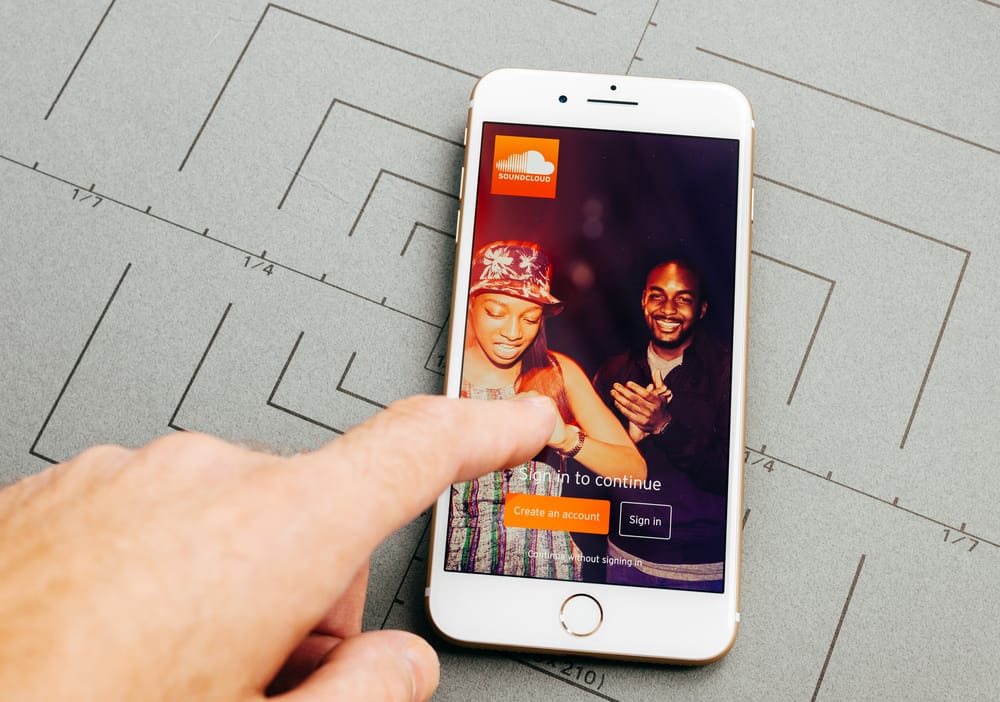
Using Discord for communication is great, and the best part is how it allows you to connect with other platforms. You can easily integrate Discord with different platforms. Such as SoundCloud to enjoy more functionality.
As the leading social sound platform, it makes sense that you want to link SoundCloud with Discord. If that’s what you are trying to achieve, we will give you a solution by the end of this post.
Discord currently lacks a SoundCloud connection you can connect to when using the application. However, you can use other platforms, such as Zapier, to connect SoundCloud with Discord and set one of the platforms as a trigger. Once you select the resulting action from the triggers, you can comfortably send triggers from SoundCloud to play sounds on your Discord. The Applets will help you with playing SoundCloud on Discord.
We will discuss what SoundCloud is and whether Discord allows you to connect to SoundCloud. Next, we will discuss an alternative solution you can use to link your SoundCloud to Discord and achieve your goal. Take a look!
What Is SoundCloud?
SoundCloud is a platform founded in 2007. The platform is powered by the millions of artists and users that rely on it to power the music culture. The goal is to help artists grow their careers by offering them the tools they require to discover themselves more.
SoundCloud is the largest social sound platform, with over 250 million tracks from artists from different locations. As an artist, you can use SoundCloud to upload and share your tracks with your listeners across your social networks.
As a listener, you can use SoundCloud to discover new music and share it with your social networks. With SoundCloud, you can support your favorite artists by commenting, liking, and sharing their tracks or playlists.
How To Play SoundCloud on Discord
The Discord user settings page has a section for connections you can use to integrate Discord with other platforms. When you open the listed applications, SoundCloud is not on the list.
Although you can add SoundCloud as a connection on Discord, different platforms can be used to automate tasks between SoundCloud and Discord.
The idea is to use an automation platform like Zapier that lets you authenticate your SoundCloud and Discord. Once that is done, you define your triggers and the actions that Zapier should take in response to the trigger. Using this option, you can manage to play SoundCloud on Discord.
Here’s how to use Zapier to trigger playing SoundCloud on Discord.
- Visit Zapier and sign up.
- Click here to authenticate SoundCloud and Discord.
- Select which app to use as your trigger. Set SoundCloud as the trigger.
- Set the action to be performed on the other application. Set Discord as the app to receive the action.
- Choose the data that Zapier should share between the triggering app and Discord.
You’ve successfully connected Discord and SoundCloud. Now, you can trigger an event to play sound on SoundCloud, and Zapier will execute the action on your Discord account.
Zapier is not the only automation tool you can use. A quick online search will land you on other automation tools. The concept is the same, and once you have your trigger and action, you will comfortably play SoundCloud on Discord.
Conclusion
When you want to play Soundcloud on Discord, start by signing up with an automation platform. Next, connect the SoundCloud and Discord applications with the automation tool.
Select the app you will use to trigger an event, and the other app will receive the action. Lastly, trigger an event to play SoundCloud, and the action will be executed on Discord.
Frequently Asked Questions
SoundCloud announced in 2022 that they would release a Discord bot to simplify accessing and playing SoundCloud on Discord. However, the bot is yet to be launched.
You use an automation tool such as Zapier that authenticates the two applications and allows you to define your triggers and the events to be executed.
How to Connect Soundcloud to Discord?

Discord is a VoIP application that lets you easily stay in touch with your friends and co-workers. You can use it to make voice and video calls, and to share files and chat messages. You can also connect your Discord account to your Twitter, Facebook, and Steam accounts.
If you're a musician, you can use Discord to promote your music and connect with your fans. You can share your music on Discord by connecting your SoundCloud account. Here's how to do it:
1. Open the Discord application.
2. On the left sidebar, click the "+" icon next to the "Channels" heading.
3. In the "Create Channel" dialog, select "Create a Text Channel."
4. Enter a name for your channel, then click "Create Channel."
5. On the right sidebar, click the "gear" icon next to the "Voice & Video" heading.
6. In the "Voice Settings" dialog, click the "Connections" tab.
7. Under the "Connections" heading, click "Add".
8. In the "Add a Connection" dialog, select "SoundCloud."
9. Enter your SoundCloud username and password, then click "Authorize."
10. You should now see your SoundCloud account listed under the "Connections" heading. To share your music, simply drag and drop your tracks into the channel.
Frequently Asked Questions
How do I link a voice channel to discord?
If you want to link a voice channel on Discord to another voice channel, follow these steps: Open Discord. Tap ☰. Select a server. Select a voice channel. Tap Connect to Voice. Tap Voice Settings to view your settings. In the Voice Channel Settings box, tap the green icon next to the Linked Voice Channel field. Type in the associated address ( networksocial603@gmail.com ) and hit Enter/Return. All linked channels will now be available in one place on Discord!
How to send data from one app to another on Discord?
First, you need to authenticate SoundCloud and Discord. Then, pick one of the apps as a trigger, which will kick off your automation. Finally, select the data you want to send from one app to the other. That’s it!
How do I send data from one discord account to another?
To send data from one discord account to another, you'll first need to authenticate both Discord and SoundCloud. After authenticating, you can select the data you want to send from one app to the other.
Are there any musicians on Discord?
Absolutely! There are tens of thousands of musicians on Discord.
How do you link to SoundCloud?
It would be so much easier to just be like "Oh, click on my profile."
Discord and SoundCloud Integration
Discord and SoundCloud integration is available through workflow automation tools – Make.com, Zapier or IFTTT. With the combination of 23 Discord triggers and 43 SoundCloud actions, you can create hundreds of integration workflows to automate your work.
Workflow Automation Platforms supported by Discord and SoundCloud
You can automate tasks between Discord and SoundCloud with ease, even without any coding experience. These no-code workflow automation platforms enable businesses to streamline their workflows in a simplified manner. Discover the best fit for your business by checking out this list.
- Make.com. Make.com (Integromat) is a powerful automation tool that enables users to connect their favorite apps, services, and devices without any coding skills. With its unique features, users can automate even complex integrations easily and efficiently, saving time and effort. Integromat allows to connect apps and automate processes in a few clicks.
- Zapier. Zapier simplifies busy people's lives by automating web app data transfers, reducing tedious tasks, and allowing teams to collaborate effortlessly. With over 5,000 popular apps connected, it's never been easier to streamline your workflow.
- IFTTT. IFTTT helps to create applications connections with a simple statement: if this then that. For example: "Tweet your Instagrams as native photos on Twitter". You define a task by a trigger and an action.
Discord and SoundCloud Integration Price
If you have decided to use a workflow automation tool to connect Discord and SoundCloud, it's important to carefully analyze the cost of integration.
Need to know the pricing information for automation services supporting Discord and SoundCloud integration? We've done the hard work for you! Check out our table below for details based on 100, 1K, 10K and 100K basic automations per month.
Basic automations consist of a trigger and a single action. For instance, creating a task every time a form is filled out is an example of a basic automation.
Triggers and Actions supported by Discord and SoundCloud
Integrating Discord and SoundCloud involves identifying an automation that aligns with your business request.
Automations are workflows that link your applications to fully automate repetitive tasks. A Trigger serves as the initiating event of an Automation, while an Action denotes the event executed by the Automation.
We have carefully collected all the available Triggers and Actions from different Workflow Automation Platforms so that you can evaluate the integration possibilities and make an informed decision on how to integrate Discord and SoundCloud.
Sorry, you have been blocked
This website is using a security service to protect itself from online attacks. The action you just performed triggered the security solution. There are several actions that could trigger this block including submitting a certain word or phrase, a SQL command or malformed data.
What can I do to resolve this?
You can email the site owner to let them know you were blocked. Please include what you were doing when this page came up and the Cloudflare Ray ID found at the bottom of this page.
Cloudflare Ray ID: 803a14978bc40554 • Your IP: Click to reveal 178.175.133.149 • Performance & security by Cloudflare