Как поменять регион подбора игроков в CS GO?
Вообщем у меня такая проблема, переехал в Штаты после некоторых событий сами знаете каких и соответственно начал играть против Американцев, они почти все читеры или очень сильные игроки, и плюс мне удобней играть с русско язычными людьми, можете подсказать как сменить регион подбора игроков и не получить бан пожалуйста буду очень благодарен!
А смысл ? Пинг же будет ебейший
ну там интернет 300мб/c врядли такой пинг будет
Лучше не надо, играй с местными
А лучше вообще не играть
Странно, в таркове на американских серверах всё в точности наоборот, я думал и в кс на них меньше читаков
Впн, самое логичное
Хочешь играть с пингом 200? Будь добр играй со своими новыми соотечественниками.
Легким путём это, как ты уже понял, сделать невозможно. Единственное, что ты можешь сделать, это запустить рейтинговую игру через систему "Faceit", где есть возможность выбрать, сервер какой страны будет использоваться во-время матча, и то это выбирается общим голосованием.
Пользоваться другими серверами нету смысла. Северная Америка работает в плохом подборе игроков, сильный разброс званий и долгий поиск к примеру.
Китай держится исключительно на своей системе, там кстати, очень много игроков с читами.
Ну, а если тебе ничего не останавливает< то пинг остановит:)
Лучше, остаться на своем регионе.
Как поменять/изменить регион в КС ГО?
Сейчас для игры CS:GO актуальна смена региона, так как эта платформа может ставить региональные блоки. И если у вас изначально был поставлен один регион, а потом он попал в бан, то без смены региона вам не поиграть.
Итак, если вы действительно переехали в другой регион или страну, то можно сделать следующее:
1) Нажимаем на свой логан.
2) Из появившегося списка выбираем "об аккаунте".
3) Далее нажимаем на "Изменить страну магазина".
4) У вас появится тот регион, который у вас изначально был указан, нажмите на "Другой".
5) Будет производиться автоматический поиск по вашему IP. Если вы сменили регион, то он сменится, если же нет, то не поменять таким образом.
Если не сменилось, то можно написать в техническую поддержку, но учтите, что они могут у вас попросить паспортные данные, вернее прописку, что у вас указана в паспорте.
Если же вы просто хотите поменять регион, то увы, на данный момент это сделать невозможно, только через техническую поддержку. Единственный вариант, которым пользуются мои знакомые, это VPN, и то, они играют через платный VPN. Но если разработчики поймут, что вы используете его, то вас могут заблокировать совсем.
Как изменить регион поиска в кс го
Чтобы изменить регион поиска в CS:GO, вам потребуется выполнить следующие шаги:
1. Запустите игру CS:GO.
2. В главном меню найдите и нажмите на кнопку Играть.
3. В открывшемся окне выберите вкладку Игра в команде.
4. Под списком карточек выберите Настройки игры….
5. В открывшемся окне найдите раздел Местные параметры поиска и нажмите на кнопку Изменить параметры….
6. В новом окне вы можете выбрать различные регионы в которых будет искаться матчмейкинг. Выберите регионы, которые вас интересуют, снимите или установите галочки, в зависимости от ваших предпочтений.
Примечание: Учтите, что изменение региона поиска может повлиять на время ожидания и качество матчей. В некоторых регионах может быть недостаток игроков или отличное от вашего соединение с серверами, что может повлиять на вашу игровую производительность.
7. После выбора нужных регионов, нажмите на кнопку Применить и закройте все открытые окна.
Теперь ваш регион поиска будет изменен в CS:GO. Обратите внимание, что эти настройки применяются только к поиску матчей игр в команде. Если вы ищете игры в других режимах, вам может потребоваться изменить настройки в соответствующих разделах меню игры.
How to change your region in CS:GO
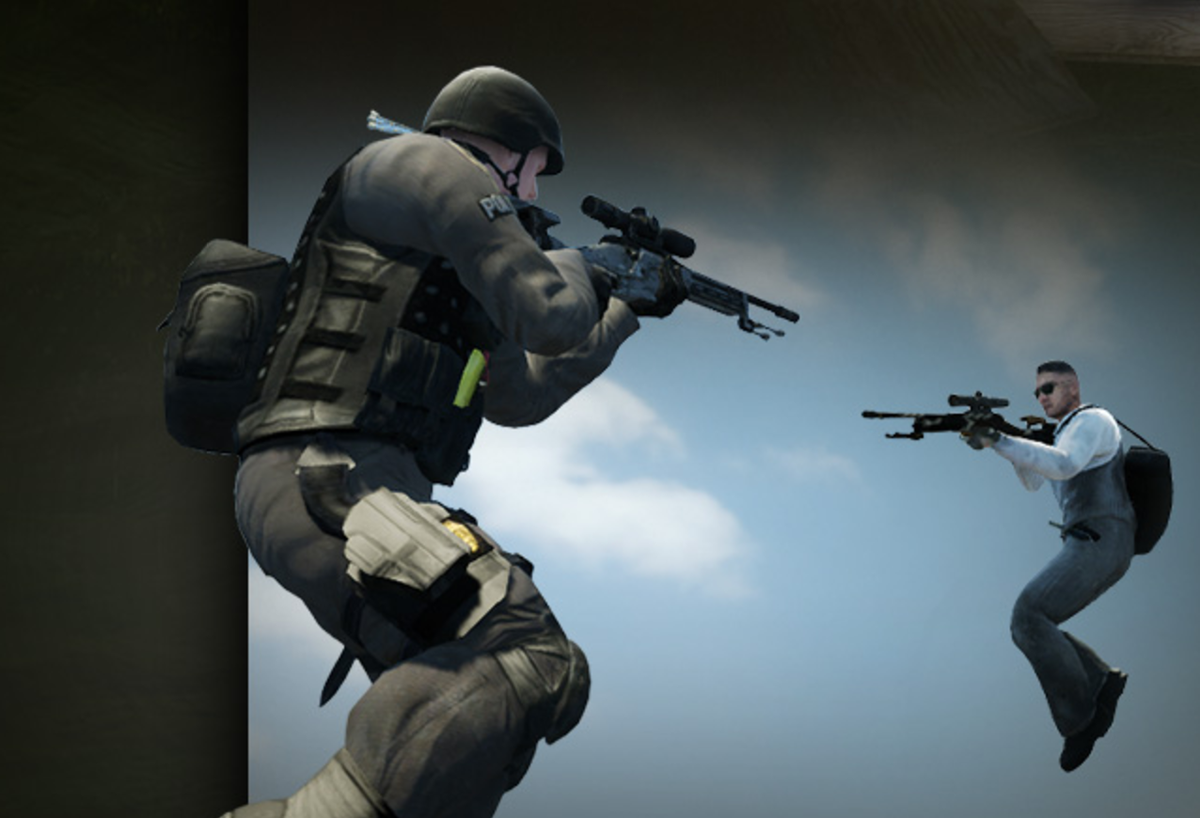
When you log into Steam, the program automatically detects where you’re from and puts you in the same matchmaking pool with people from the same region. Though changing matchmaking servers used to be quite easy in CS:GO, it became more challenging since high ping can cause competitive disadvantages.
While it’s more difficult to play with high ping and lag spikes, it can turn into a nuisance for the enemy team as well. You’ll be rubberbanding all over the map and may take out players while they don’t even see you on their screens. It’s a double-edged sword, but there will be times that you’ll need to change your region with no questions asked.
Your online circle of friends may be gaming in an entirely different part of the world, or you may be experiencing language barriers while traveling. In many cases, going back to your home server can allow you to have a better gaming experience.
If your ping exceeds values like 120-130, we recommend taking a step back from the ranked mode since your ping difference will make it difficult for you to fight against players from your skill-level with normal ping values.
Here’s how you can change your region in CS:GO to play on different game servers.
Download a VPN
The most straightforward way of changing your server in CS:GO includes using a VPN. These change your IP address with one from the country of your choice, making it look like you’re connecting from a place different than your country of origin.
VPNs also re-route your connection through their servers for security reasons, meaning they could also slightly increase your overall ping while playing CS:GO. The difference will be hard to notice, depending on the servers you’re trying to play, though.
Any VPN will work for the process, so we recommend downloading one that you used in the past or currently using.
- Once you finish setting up your VPN, you’ll need to pick a country that’s close to the server you’re trying to connect to.
- If you’re looking to play in Europe East, you can try picking Bulgaria, Turkey, or Hungary. Hong Kong and China should do the trick for Asian servers, while you’ll need to carefully consider the city you connect to when choosing the United States since it’ll affect the region you’ll get in CS:GO. Pick cities close to the eastern coast to play in US East servers, or connect to western cities to get yourself into US West servers.
- CS:GO Asia Server
- CS:GO Northern Europe Server
- CS:GO Eastern Europe Server
Use a matchmaking server picker
 Image via Counter-Strike blog
Members of the CS:GO community who are handy with coding languages have developed another solution to this problem, which eliminates the need for a VPN. While this method will have different steps depending on the server picker you choose to use, most feature relatively user-friendly interfaces.
A quick search on Github yields quite a few options, and each matchmaking server picker aims to allow players to pick the region they’d like to play in before joining a game.
The main advantage of matchmaking server pickers is that you get to skip on using a VPN, which introduces an extra step in the connection between your router and the game servers. Though the ping difference won’t be that significant, some players will always want to have the best possible connection to the servers to make sure they aren’t at a huge disadvantage.
Matchmaking server pickers usually share the same principle, and they block the IP addresses of servers you don’t want to play in. They basically force CS:GO to get you into a match in the region of your choosing by making sure you aren’t eligible to play on any other server.
It’s almost impossible to gather all the IP addresses of the CS:GO region so there will be times that you’ll be accidentally connected to a server close to you. You can simply disconnect from the game and try your luck when that happens.
Pick the servers you’d like to play through your matchmaking server picker’s UI and run your game to enter the queue. Make sure to check the server you just connected to by typing “status” without quotation marks to your console.
Join community servers
If you’d like to completely take matters into your own hand without using any external programs, you can join a community server based in the region you’d like to play in.
- Launch CS:GO and choose Play.
- Select Community Server Browser from the drop-down menu.
- Type in region names or sort servers by ping/region.
- The servers with higher ping values will be farther away from your region.
- Most servers are kind enough to include where their servers are based, making it easier to locate servers in the regions you’re looking to play in.

 Select Community Server Browser from the drop-down menu.
– Screengrab via Valve
 Type in region names or sort servers by ping/region. – Screengrab via Valve
 Screengrab via Valve
Some servers may have ping detectors that kick out players with high ping to protect the integrity of the gaming experience in their servers. Continue looking for another server when that happens since you’ll eventually find one that welcomes all players with open arms.

Strategical Content Writer and Fortnite Lead for Dot Esports. Gökhan Çakır graduated as an industrial engineer in 2020 and has since applied his analytical and strategic thinking to many endeavors. As a natural-born gamer, he honed his skills to a professional level in Dota 2. Upon giving up on the Aegis of Champions in 2019, Gökhan started his writing career, covering all things gaming while his heart remains a lifetime defender of the Ancients.