AirPods

A simple “Hey Siri” summons your favorite personal assistant. Control your music, calls, volume, directions, and more — without lifting a finger.
Accessibility

More about Accessibility
Accessibility
AirPods are loaded with features to assist with select hearing needs, from focusing on the voice in front of you in noisy surroundings to amplifying the frequencies you may need to hear more clearly.
Which AirPods are
right for you?
AirPods 2nd generation
- Buy
- Learn more
Spatial audio unavailable
Active Noise Cancellation and Transparency mode unavailable
Sweat and water resistance unavailable
Up to 5 hours of listening time with a single charge 6 16 15 3 4 13 18 9 12
Lightning Charging Case
AirPods 3rd generation
Personalized Spatial Audio with dynamic head tracking 2 13 12 1 1 2 1 1 1
Active Noise Cancellation and Transparency mode unavailable
Sweat and
water resistant 4 14 13 2 2 11 16 7 10
Up to 6 hours of listening time with a single charge 6 16 15 3 4 13 18 9 12
Lightning Charging Case or MagSafe Charging Case 5 15 14 7 11 12 17 8 11
AirPods Pro 2nd generation
Personalized Spatial Audio with dynamic head tracking 2 13 12 1 1 2 1 1 1
Active Noise
Cancellation and
Adaptive Transparency
Sweat and
water resistant 4 14 13 2 2 11 16 7 10
Up to 6 hours of listening time with a single charge 6 16 15 3 4 13 18 9 12
MagSafe Charging Case with speaker and lanyard loop 5 15 14 7 11 12 17 8 11
AirPods Max
Personalized Spatial Audio with dynamic head tracking 2 13 12 1 1 2 1 1 1
Active Noise
Cancellation and
Transparency mode
Sweat and water resistance unavailable
Up to 20 hours of listening time with a single charge 6 16 15 3 4 13 18 9 12
Apple Footer
Fast, free delivery
Or pick up available items at an Apple Store.
Pay monthly at 0% APR
You can pay over time when you choose to check out with Apple Card Monthly Installments.†
Get help buying
Have a question? Call a Specialist or chat online.
Make them yours
Engrave your AirPods with your initials or favorite emoji — free. Only at Apple.
Как правильно пишется аирподсы на английском языке
A simple “Hey Siri” summons your favorite personal assistant. Control your music, calls, volume, directions, and more — without lifting a finger.
Accessibility
Accessibility
AirPods are loaded with features to assist with select hearing needs, from focusing on the voice in front of you in noisy surroundings to amplifying the frequencies you may need to hear more clearly.
Which AirPods are
right for you?
AirPods 2nd generation
Spatial audio unavailable
Active Noise Cancellation and Transparency mode unavailable
Sweat and water resistance unavailable
Up to 5 hours of listening time with a single charge 6 16 15 3 4 13 18 9 12
AirPods 3rd generation
Personalized Spatial Audio with dynamic head tracking 2 13 12 1 1 2 1 1 1
Active Noise Cancellation and Transparency mode unavailable
Sweat and
water resistant 4 14 13 2 2 11 16 7 10
Up to 6 hours of listening time with a single charge 6 16 15 3 4 13 18 9 12
Lightning Charging Case or MagSafe Charging Case 5 15 14 7 11 12 17 8 11
AirPods Pro 2nd generation
Personalized Spatial Audio with dynamic head tracking 2 13 12 1 1 2 1 1 1
Active Noise
Cancellation and
Adaptive Transparency
Sweat and
water resistant 4 14 13 2 2 11 16 7 10
Up to 6 hours of listening time with a single charge 6 16 15 3 4 13 18 9 12
MagSafe Charging Case with speaker and lanyard loop 5 15 14 7 11 12 17 8 11
AirPods Max
Personalized Spatial Audio with dynamic head tracking 2 13 12 1 1 2 1 1 1
Active Noise
Cancellation and
Transparency mode
Sweat and water resistance unavailable
Up to 20 hours of listening time with a single charge 6 16 15 3 4 13 18 9 12
A gift for every wish.
Find something for everyone
this Lunar New Year.
Apple Footer
Fast, free delivery
Or pick up available items at an Apple Store.
Pay monthly at 0% APR
You can pay over time when you choose to check out with Apple Card Monthly Installments.†
Get help buying
Have a question? Call a Specialist or chat online.
Make them yours
Engrave your AirPods with your initials or favorite emoji — free. Only at Apple.
Вы искали: airpods (Английский — Русский)
Переводы пользователей
Добавлены профессиональными переводчиками и компаниями и на основе веб-страниц и открытых баз переводов.
Английский
Русский
Информация
Английский
Русский
Последнее обновление: 2018-02-21
Частота использования: 1
Качество:
Английский
Русский
airpods, чтобы управлять ими всеми
Последнее обновление: 2018-02-21
Частота использования: 1
Качество:
Английский
and it sounds very much like airpods
Русский
И это звучит очень похоже на airpods
Последнее обновление: 2018-02-21
Частота использования: 1
Качество:
Английский
apple airpods (mmef2ze/a), белая
Русский
apple airpods (mmef2ze/a), белая
Последнее обновление: 2018-02-21
Частота использования: 1
Качество:
Английский
airpods do not have a connecting cable – they are separate, but similar to the shape of the wire ones.
Русский
airpods не получили соединяющие провода — однако формой они напоминают проводные.
Последнее обновление: 2018-02-21
Частота использования: 1
Качество:
Английский
another new feature is the wireless airpods headphones. apple wants to compensate for the lack of minijack.
Русский
Следующей новинкой оказались наушники airpods. apple намерен компенсировать отсутствие minijack.
Последнее обновление: 2018-02-21
Частота использования: 1
Качество:
Английский
i turned my iphone into an “audio notification radio” for 6 months and it convinced me that airpods-like devices are the wearable of the future.
Русский
Я повернул iphone в “”звуковое оповещение радио”” в течение 6 месяцев, и он убедил меня, что airpods-подобные устройства являются носимых будущего.
Последнее обновление: 2018-02-21
Частота использования: 1
Качество:
Английский
wireless earbuds, in combination with a strong ai assistant (such as airpods + siri), are the device that could help us regain freedom of movement and control of our attention.
Русский
Беспроводные наушники, в сочетании с сильным помощником ai (такие как airpods + siri), являются устройства, которые могли бы помочь нам обрести свободу передвижения и контроля нашего внимания.
Последнее обновление: 2018-02-21
Частота использования: 1
Качество:
AirPods
Получите 6 месяцев бесплатной подписки на Apple Music при покупке AirPods. *
Проверить доступность
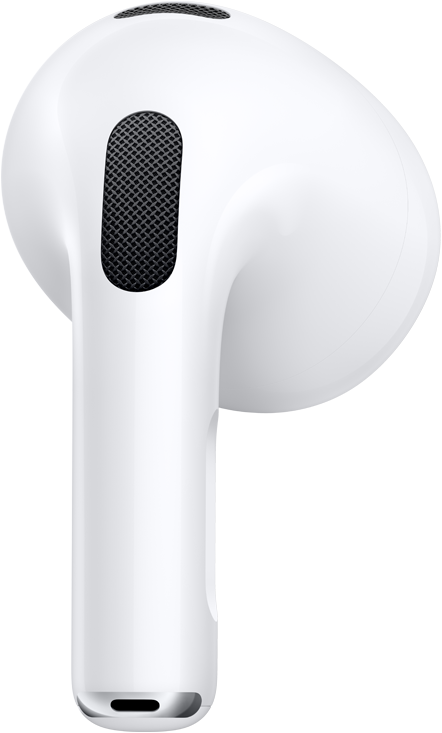
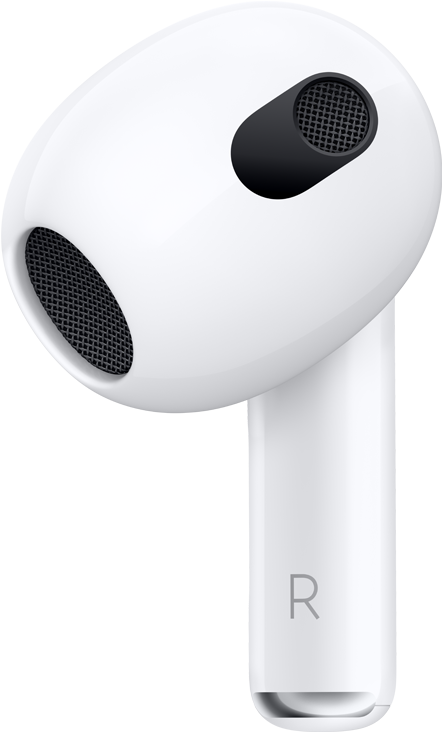
AirPods
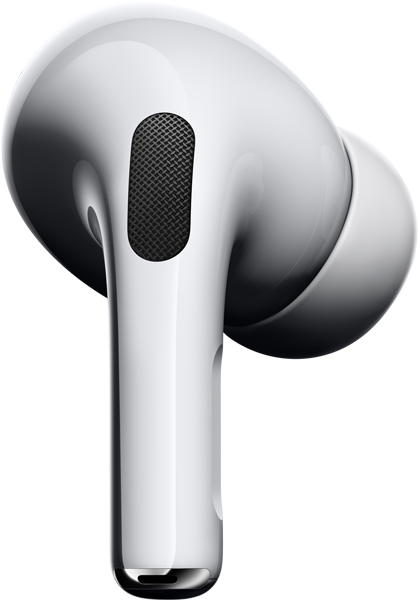
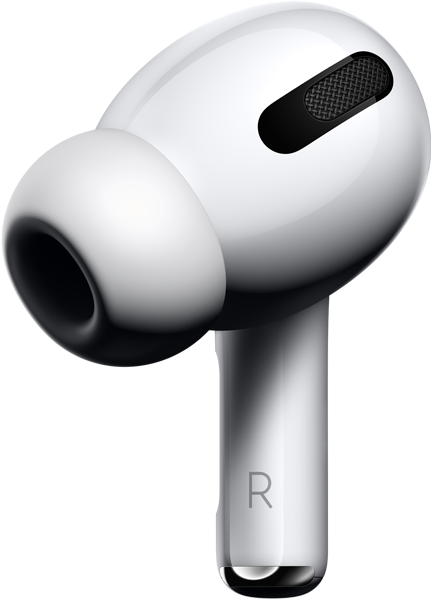
AirPods Pro
AirPods Max
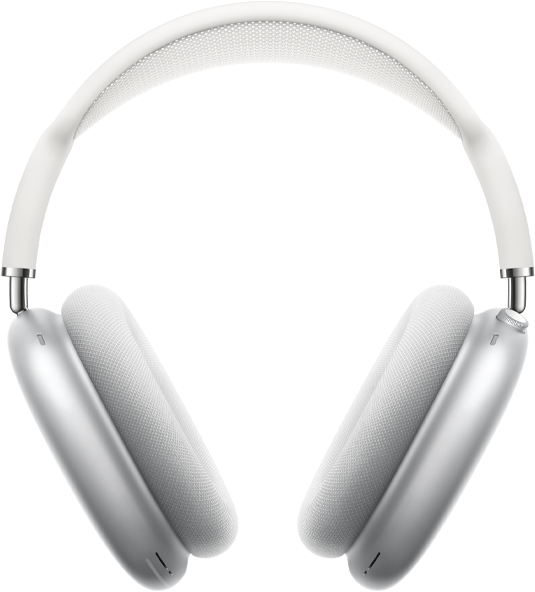
AirPods Max
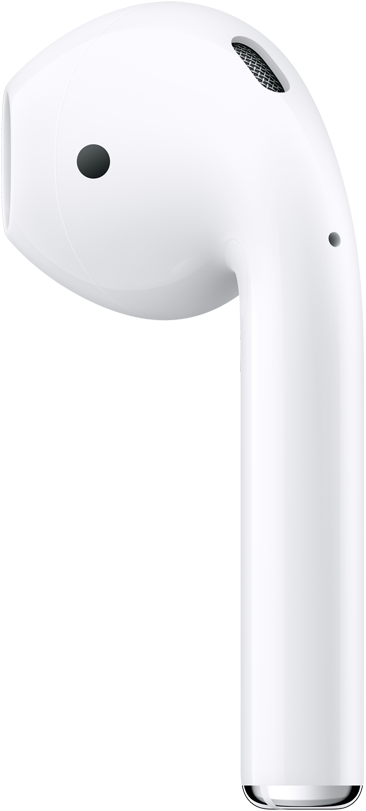
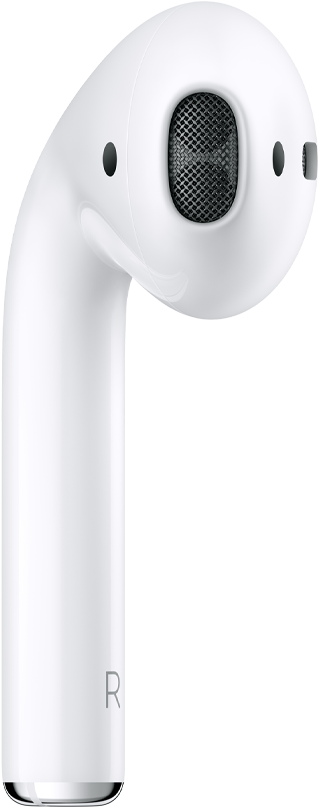
AirPods
Подключаются к устройствам с волшебной лёгкостью.
Настройка
одним касанием

Настройка
одним касанием
Наушники мгновенно подключаются к вашему iPhone или iPad.
Автоматическое переключение

Автоматическое переключение
Если у вас несколько устройств Apple, наушники будут выбирать нужный источник звука, автоматически переключаясь между iPhone, Apple Watch, iPad, Mac и Apple TV. 1
Совместный
доступ к аудио

Совместный
доступ к аудио
Слушайте песни, подкасты и любое другое аудио вдвоём через две пары AirPods. 2
Siri
всегда рядом 3
Привет, Siri, включи мой плейлист для фитнеса
Подробнее о голосовой команде для вызова Siri
Siri всегда рядом
Просто скажите «Привет, Siri», чтобы вызвать своего любимого персонального ассистента. Включайте музыку, отвечайте на звонки, стройте маршруты, регулируйте громкость и другие параметры, даже не касаясь устройства.
Объявление уведомлений

Саша сообщает: «Иду в магазин. Тебе что‑нибудь взять?»
Подробнее о функции «Объявление уведомлений»
Объявление уведомлений
Когда вы получаете важные сообщения или уведомления, Siri может зачитывать их для вас, если только вы не говорите в это время по телефону и не слушаете музыку. Вы сможете даже отвечать на сообщения, не прикасаясь к устройству. 3
Выберите свои AirPods.
AirPods 2‑го поколения
Без пространственного аудио
Без активного шумоподавления и Прозрачного режима
Без защиты от пота и воды
До 5 часов прослушивания аудио без подзарядки 7 16 16 11 17 9 15 9 13
AirPods 3‑го поколения
Пространственное аудио и функция динамического отслеживания движений головы 4 13 13 1 1 1 1 2 1
Без активного шумоподавления и Прозрачного режима
Зарядка: разъём Lightning, беспроводные зарядные устройства,
устройства MagSafe 6 15 15 10 16 8 14 8 12
До 6 часов прослушивания аудио без подзарядки 7 16 16 11 17 9 15 9 13
AirPods Pro
Пространственное аудио и функция динамического отслеживания движений головы 4 13 13 1 1 1 1 2 1
Активное шумоподавление
и Прозрачный режим
Зарядка: разъём Lightning, беспроводные зарядные устройства,
устройства MagSafe 6 15 15 10 16 8 14 8 12
До 4,5 часа прослушивания аудио без подзарядки 7 16 16 11 17 9 15 9 13
AirPods Max
Пространственное аудио и функция динамического отслеживания движений головы 4 13 13 1 1 1 1 2 1
Активное шумоподавление
и Прозрачный режим
Без защиты от пота и воды
До 20 часов прослушивания аудио без подзарядки 7 16 16 11 17 9 15 9 13
Нижний колонтитул Apple
Бесплатная
доставка
И бесплатный возврат. Сроки доставки можно узнать на странице оформления заказа.
Добавьте
индивидуальности
Сделайте на AirPods гравировку со своими инициалами или любимыми эмодзи — это бесплатно. Только при покупке в Apple.
AIRPODS — это. Значение слова AIRPODS
AirPods — беспроводные Bluetooth наушники от корпорации Apple. Представляют собой два раздельных наушника (TWS), использующих жесты для взаимодействия с пользователем: вынимание наушника из уха приостанавливает воспроизведения (функция «пауза»); возврат его на место — продолжит воспроизведение; двойное касание запускает голосового ассистента Siri, либо управляет воспроизведением музыки. Наушники AirPods совместимы с устройствами Apple на iOS 10 или новее, а также с ПК и ноутбуками на базе macOS Sierra и часами на базе watchOS. Наушники воспроизводят звук с любого устройства, совместимого со стандартом Bluetooth 4.0. На устройствах с ОС Android доступен жест «двойное касание» для управления.
What Are AirPods and How Do They Work?
Apple AirPods are wireless Bluetooth earbuds designed specifically to work with your iPhone and iPad. But since they’re Bluetooth audio devices, you can also use them with almost any other computer or smartphone; you can even pair AirPods with an Apple TV.
While Apple includes a simple pair of wired earbuds with every iOS device, AirPods offer a number of advantages that you might consider worth upgrading.
How AirPods Are Different Than Earbuds
Since the very first iPhone was released in 2007, Apple has included a simple pair of wired earbuds in the box. If you've owned at least one iPhone or iPad, you've probably used them. Both earbuds are wired in a Y-connection to an audio connector that plugs into your phone.
Starting with the iPhone 7, Apple discontinued the traditional headphone jack, and wired earbuds came with a Lightning port connector. All wired earbuds also have a media controller built into the wire, which you can use to play, pause, skip tracks, and adjust the volume.
AirPods are different. Completely wireless devices, they have no wires at all and are not connected to one another. Instead, both earpieces have separate Bluetooth radios and pair with your phone or other devices via Bluetooth.
Not only does this mean you don’t need to deal with a tangle of wires, but if you have an iPhone 7 or later, you can simultaneously use AirPods while charging your phone via the Lightning port.
AirPod Features
Apple has released two versions of AirPods: The original AirPod (released in 2016) and the AirPod 2 (released in 2019). Visually, they look identical, but they have some important differences.
The first generation AirPods use Apple’s original W1 wireless chip, while the AirPods 2 is built around the newer H1 wireless chipset, which Apple claims works about twice as fast.
Both AirPods include an accelerometer, which is used to sense gestures, optical sensors to know if they’re inserted in your ears, and microphones for phone calls and using Siri.
The AirPods come with a charging case that has an integrated battery to extend the battery life of the earpieces when away from an electrical outlet. The original AirPods case was charged with a cable, while the AirPod 2 offers an optional wireless charging case at an additional cost.
Both versions of the AirPods offer about the same overall battery life, which is more than 24 hours of listening time, provided you let the AirPods fully charge inside the charging case. The AirPods 2 offer slightly longer talk time on a single charge, roughly three hours rather than 2 hours.
How Do AirPods Work?
Because of the shape of the AirPods, they’re designed expressly for the left and right ear. If you need help figuring out which is which, there’s a small “L” and “R” printed on the stem of each earbud. Insert them in your ears and point the stem straight down so it naturally fits in the notch in your ear.
There is no power control on the AirPods. Because they’re equipped with accelerometers and optical sensors, they know when they’re inserted in your ear and are ready to work as soon as you put them in. Additionally, they'll pause audio automatically when you remove them.
How your AirPods work varies depending upon which model you own:
- All AirPod models: You accept and end phone calls by double-tapping an earbud.
- Original AirPods: Double-tap either earbud to wake Siri. You control audio via Siri; ask Siri to perform tasks like "play," "pause," “lower volume,” “go back to the previous song,” or “skip song.”
- AirPods 2: double-tap an earbud to skip tracks. To wake Siri, say “Hey Siri.” You can also change AirPods settings so a double-tap performs other functions.
To connect your AirPods to an Apple TV, place your AirPods in their charging case with the lid open while you're near the Apple TV. Next, press and hold the charging case's pairing button until the light flashes white. Then, on your Apple TV, go to Settings > Remotes and Devices > Bluetooth > select your AirPods.
On Apple's website, a set of AirPods with a charging case runs $159, while AirPods with a wireless charging case costs $199. A set of AirPods Pro retails for $349.
To pair your AirPods with your iPhone or iPad, first, activate Bluetooth on your iOS device. Next, place your AirPods in the case, open the lid, and press and hold the charging case's pairing button until the light flashes white. Follow the prompts on your iOS device to complete the pairing process.
Charge your AirPods by placing them in their case. If you have a wireless AirPods case, charge the case via a QI-certified charging mat. If you have a regular AirPods case, plug the Lightning cable into your case's Lightning connector, then plug the other end into a USB charger or port.
To connect your AirPods to an Apple Watch, open your Watch's Control Center > tap the AirPlay icon > select your AirPods.